Fingerprint unlock and passcodes are not measured on the same scale
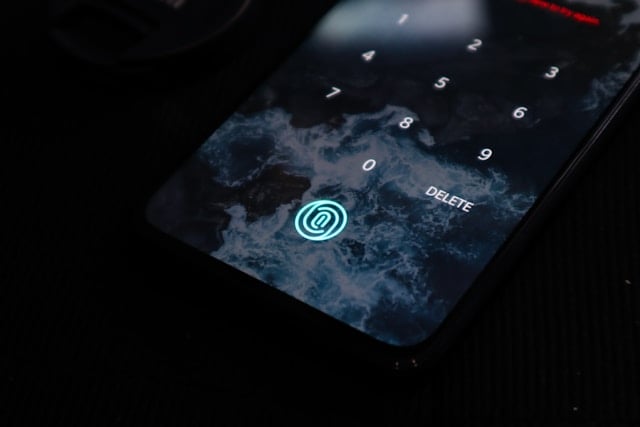
Asking whether a fingerprint scanner is stronger than a password is a bit like asking whether a door key is stronger than a bank card. They operate in different places against different opponents. A fingerprint is a local gate on hardware you are holding. A password is a secret that travels to a server you have never seen. Here is how each performs against the threats people actually meet.
What each one is protecting
- CISA: on iOS, ‘Set a passcode on iPhone’ is what enables encryption; on newer Android the device ‘will be encrypted automatically once you set a screen lock’.
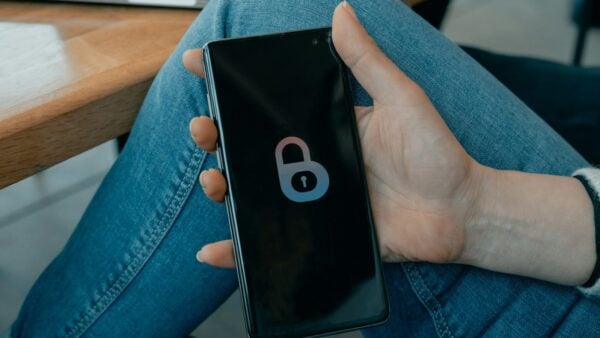
- FTC’s floor for a phone lock: ‘Use at least a 6-digit passcode’, with the phone set to lock when not in use.
- CISA on the system encryption credential: it should be ‘a password that is long, random, and unique’.
- NIST SP 800-63B-4: 15 characters minimum for a password used as the only authentication factor.
- NIST: passwords are ‘not phishing-resistant’ — a property no length setting changes.
Different jobs, not different strengths
For getting into a device you are holding, a fingerprint is excellent and a typed password is a nuisance. For proving who you are to a website, a fingerprint on its own is not in the running, because the site never receives it.
Use both, in their proper places: a strong passcode as the credential, a fingerprint as the fast way to use it, and separate account passwords for anything that lives online.
One stays on the device, the other goes to a stranger
This is the difference that everything else follows from. Your account password is transmitted, stored by the service in some form, and included in whatever that service loses if it is breached. That is why NIST now requires verifiers to screen proposed passwords against blocklists of known compromised ones — the assumption is that databases leak.
A fingerprint used to unlock a phone is not sent anywhere. The sensor’s job is to release a credential already held on the device. Nothing about your fingerprint ends up in a breach corpus, because no remote service ever had it.
The flipside is scope. Because it never travels, it cannot log you into anything. A biometric that unlocks a passkey is doing useful work online — but the passkey is the credential, and the fingerprint is the local permission to use it.
How each holds up against real threats
- Someone watching you type. The fingerprint wins outright. There is nothing to observe in a queue or on a train.
- A stolen, powered-off device. The passcode wins, because it is the only thing that works. CISA’s guidance ties encryption directly to the screen lock, and the device demands the passcode after a restart, not the sensor.
- A weak lock chosen for convenience. The fingerprint helps indirectly and considerably: it makes a six-digit or alphanumeric passcode tolerable when you would otherwise have picked four digits.
- A remote attacker with your credentials. Neither is involved. That is account security, not device security, and it is where a second factor belongs.
- Phishing. The passcode offers nothing — NIST states passwords are not phishing-resistant — and the fingerprint is not in the conversation at all.
Setting your locks so both do their job
- Set a passcode of at least six digits, following the FTC. If the device offers an alphanumeric option, take it; CISA’s phrasing for the system encryption credential is ‘long, random, and unique’.
- Enable fingerprint or face unlock afterwards, and treat it as the reason you can afford a stronger passcode rather than as a replacement for one.
- Set the device to lock automatically after a short idle period, because encryption at rest does nothing for a device sitting unlocked on a desk.
- On a Windows laptop, turn on device encryption via BitLocker and back up the recovery key separately, as CISA instructs. On a Mac, turn on FileVault.
- Switch on the built-in find, lock and erase feature. The FTC points out it is already in the operating system and only helps if it was enabled before the device went missing.
The comparison that does not hold up
The claim you will see is that fingerprints are safer because they cannot be guessed. True, and beside the point: the passcode remains the fallback on every device, so the passcode’s strength is still the device’s strength.
The mirror-image claim, that biometrics are unsafe because you cannot change your fingerprint after a compromise, misses the same architecture. The stored template is not a password you present elsewhere; a compromised device is replaced with a new one and a new passcode, and no other service ever accepted your fingerprint anyway.
The measurement worth making is different: does the sensor let you live with a stronger passcode and a shorter lock timer than you would otherwise accept? For most people it plainly does, and that is the whole of its security contribution.
Sources: CISA — how to protect data stored on your devices · FTC — how to protect your phone from hackers · NIST SP 800-63B-4, Digital Identity Guidelines
Reviewed 27 August 2026 by the CyberArtical editorial team against primary guidance from CISA, the FTC and NIST. Security guidance changes over time; where our earlier version of this page said something different, we say so in the article rather than editing it out quietly.