Section
Network And Wifi Security
Guides, explainers, and practical reads updated regularly.
All Articles
Wi-Fi 6 is a speed standard, not a security setting
Buying a Wi-Fi 6 router does not choose your encryption. That is a separate dropdown, and it is the one that matters.

There is no network scenario where WEP is the right choice
WEP appears in router menus beside WPA3 as though it were an option for certain situations. It is not. It is a legacy entry.
Choosing between WPA2 and WPA3 on the router you already own
The FTC ranks WPA3 first and accepts WPA2 Personal. CISA narrows the second option to WPA2 AES. That distinction is where most people slip.

The look-alike hotspot, and why the old public Wi-Fi warning missed it
City centres are full of open networks. The threat is no longer someone reading your traffic — it is where the network sends you.
Skip MAC Filtering and Hidden SSIDs — Do These Six Things Instead
Hiding your network name and filtering MAC addresses appear in no current CISA or FTC guidance. Here is what those agencies actually recommend.
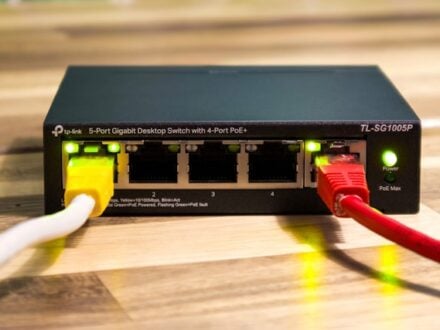
Keeping control of who is on your guest Wi-Fi
A guest network is worth having for two specific reasons, and both are undermined by the way most households actually run one.
What switching your home Wi-Fi to WPA3 actually buys you
The agencies rank it first and describe it modestly. It is a worthwhile change that will not fix anything else on your network.
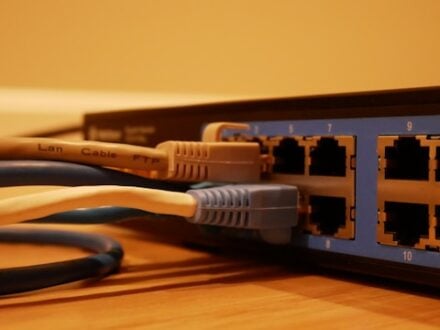
Do you need a new router to get WPA3?
Find out what your current router supports before you buy anything. There are three possible answers and only one of them costs money.

The home Wi-Fi settings worth an hour of your evening
Everything the FTC and CISA list for a home network, in one pass — plus three popular measures neither of them mentions.