Section
Secure Browsing
Guides, explainers, and practical reads updated regularly.

All Articles
The browser privacy settings worth changing, and the one that changes nothing
Private browsing clears your local history and stops there. The FTC's own wording is that it does not block websites from seeing your activity.

Your browser is already secure by default, so keep it that way
NCSC's position is that modern browsers ship secure and the job is preventing them becoming insecure. That changes what you should actually be doing.
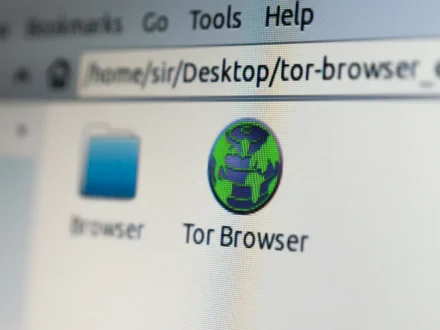
What a VPN changes about your browsing, and what it leaves exactly as it was
A VPN moves where your traffic exits and hides it from the local network. It does not make you anonymous or stop the sites you…
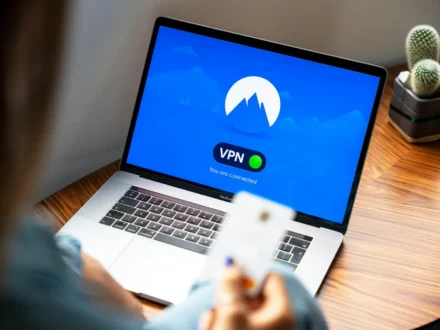
Before you install a security extension, read what it is asking for
NCSC notes extensions typically have permission to read or change data on every site you visit. Adding one is a trust decision, not an automatic…
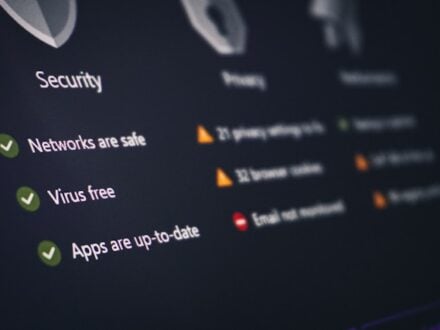
How to audit the extensions you already have installed
Most browsers accumulate add-ons nobody remembers approving. Each one may read or change data on every site you visit. Here is how to go through…

How to Tell a Real Payment Page From a Fake One (Not by the Padlock)
The padlock test no longer works — a phishing page has the same one your bank does. These are the checks that survive a modern…
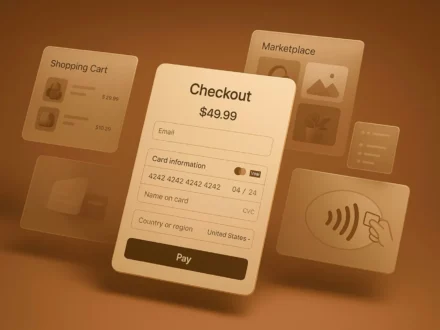
Accepting online donations without putting your donors at risk
A donation page makes your organisation a target twice over: for the money, and for the name donors trust. Both need handling deliberately.

A privacy pass across every browser and device you use
Ad-tracking opt-outs are stored per browser and per device. The FTC's instruction is to repeat them everywhere, which makes this a sweep, not a setting.
VPNs, Tor and what the published guidance actually covers
One of these has official guidance behind it and the other does not. Neither delivers the anonymity the comparison usually assumes.