What watching the devices on your home network actually tells you
Somewhere in your router’s admin pages is a list of everything connected to it. The appeal is obvious — a live inventory of your own network, with an implied promise that anything unexpected will stand out. It is worth opening. It is a much weaker detection tool than it looks, and the guidance that the FTC and CISA actually publish for home networks is built around separation and configuration instead. Here is what the list can honestly do for you.
What the agencies build home security on
- FTC: set encryption to WPA3 Personal or WPA2 Personal; WPA3 is "the newer — and best — encryption available."
- CISA is more precise: the acceptable options are "WPA3 Personal or WPA2 AES (also referred to as WPA2 Pre-Shared Key [PSK])".
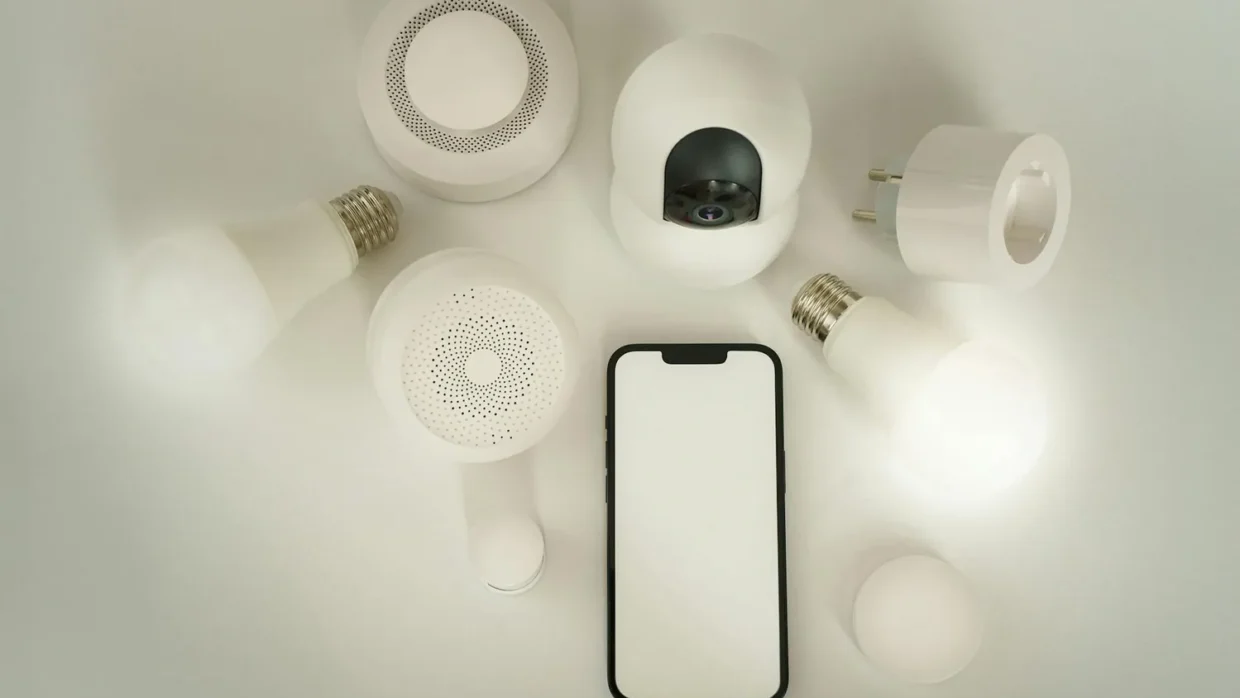
- CISA: put IoT devices on the guest network — "Connect any smart home and other IOT devices to your Guest Wi-Fi if internet access is the only thing they require."
- FTC: disable remote management, disable WPS and UPnP, enable the router firewall, log out of the administrator account.
- Neither agency lists device monitoring, SSID hiding or MAC filtering among home network controls.
The pitch, and the first problem with it
The idea is that you learn what belongs on your network, then notice what does not. In a home with six devices that might work. In a home with a phone each, two laptops, a television, a games console, three speakers, a doorbell, a thermostat and a printer, the list is thirty entries of manufacturer codes and half-guessed names.
The first problem is that you cannot identify what you are looking at. Device names in a router list are whatever the device reports, which is often nothing useful. Modern phones also randomise their hardware addresses per network by default, so the same phone can appear as different entries over time.
The second problem is that the list is a snapshot. It shows what is connected now, not what connected at three in the morning. Most consumer routers keep no history you can review.
What it can genuinely show you
- An inventory you did not have. Reading it once tells you how many internet-connected things you own, which is usually more than you thought. That is a useful input to everything else.
- Devices that should have been retired. Old tablets, a previous phone, a printer nobody uses. Each is unpatched hardware sitting on your network.
- Whether your separation actually worked. This is the best use of the list. After moving smart devices to the guest network, check that the main network’s list no longer shows them.
- An unfamiliar entry worth investigating — occasionally. Treat this as a prompt to check rather than as evidence.
The controls that do the work instead
The FTC’s home network list is specific and none of it involves watching anything: set encryption to WPA3 Personal or WPA2 Personal; change the default administrative username, password and network name to something unique, avoiding your name, address or the router brand; keep the firmware updated; disable remote management; disable WPS and UPnP; enable the router’s firewall; and log out of the administrator account when finished.
CISA’s list overlaps and sharpens two points. On encryption it specifies WPA3 Personal or WPA2 AES rather than WPA2 generally. On WPS it is direct: "Disable Wi-Fi Protected Setup (WPS). This setting increases the likelihood that a threat actor could gain unauthorized access to your Wi-Fi network."
And CISA adds the segmentation instruction that does more than any amount of monitoring: enable guest Wi-Fi with its own strong password and connect smart home and other IoT devices to it where internet access is all they need. The FTC’s rationale is that fewer people then hold your primary password, and malware on a guest device does not reach the primary network.
Getting something useful out of the list you do have
- Read it once, deliberately, and write down what each entry is. Anything you cannot identify after ten minutes, unplug things until it disappears.
- Rename devices where the router lets you. A list of real names is one you can actually scan next time.
- Remove what should not be there — old devices you no longer use, and anything belonging to someone who no longer lives with you.
- Move everything that only needs internet access to the guest network, then use the list to confirm the main network is now short.
- Change the Wi-Fi password if the list contains anything you cannot account for, and reconnect only the devices you meant to.
If you find something you cannot explain
Do not start with the device list. Start with the router itself: change the administrator password to something long, random and unique as CISA specifies, check that remote management is off, and check the firmware is current.
Then change the Wi-Fi password, which disconnects everything and forces you to reconnect deliberately. That is a more reliable clean-out than trying to block one entry.
If you believe the router itself has been interfered with, the routes are the FBI’s IC3 for network intrusion and unauthorised access, and CISA’s incident reporting page. If it has led to fraud, the FTC takes that report.
Why monitoring feels like the answer
Because it looks like what security is supposed to be — watching, catching, responding. Configuration is dull by comparison, and it produces no screen to look at.
But the agencies’ lists are configuration lists, and the reason is that home users are not going to sit reading logs. A network where smart devices cannot see the laptops is protected whether or not anyone is watching. That is the trade you want.
Sources: FTC — How to secure your home Wi-Fi network · CISA Project Upskill, Module 5 · FBI Internet Crime Complaint Center · CISA — Report a cyber incident
Reviewed 27 August 2026 by the CyberArtical editorial team against primary guidance from the FTC, CISA and the FBI. Security guidance changes over time; where our earlier version of this page said something different, we say so in the article rather than editing it out quietly.