Turning on a second factor, in the order the agencies rank them
Most articles about two-factor authentication stop at "turn it on". That was reasonable advice when the alternative was nothing, and CISA still holds that "any MFA is better than no MFA". But the methods are not interchangeable, and the ranking is published. CISA’s fact sheet sets out four tiers and puts text messages at the bottom, described as "Vulnerable to phishing, SS7, and SIM swap attacks." Setting this up in the right order takes no longer than setting it up in the wrong one.
The four tiers, strongest to weakest
- 1. Phishing-resistant MFA — FIDO/WebAuthn or PKI. CISA: "The only widely available phishing-resistant authentication is FIDO/WebAuthn authentication."
- 2. App-based one-time codes, or push with number matching.
- 3. App-based push without number matching.
- 4. SMS or voice — "Vulnerable to phishing, SS7, and SIM swap attacks."
- NIST SP 800-63B-4 classes telephone-network out-of-band as a RESTRICTED authenticator and prohibits email as an out-of-band channel entirely.
What a second factor stops, and what it does not
The problem being solved is narrow and common: someone has your password, from a breach elsewhere or from a convincing fake login page. A second factor means the password alone is not enough. CISA’s consumer position is that users who enable MFA are significantly less likely to get hacked. Note that CISA’s page states no percentage, so any specific figure you have seen quoted is not coming from there.
What it does not do is make you unphishable. NCSC’s comparison of traditional factors with FIDO2 is direct about it: "All tMFA factors are vulnerable to this style of attack" — adversary-in-the-middle phishing, where a fake page relays your code to the real site in real time — while "No FIDO2 credential type is vulnerable to this style of attack." That single difference is why the ranking exists.
Where to start: three accounts, in this order
Once those three are done, the rest can be worked through at leisure. Doing them in this order means that if you stop halfway, you have stopped at a sensible place.
- Your primary email. It can reset almost everything else. Whatever you protect here sets the ceiling for every account that emails you a reset link.
- Anything holding money — bank, payment services, anywhere your card is stored.
- Your phone carrier account. This is the one people miss. If SMS codes are in use anywhere, control of the phone number is control of those codes, which is exactly what SIM-swap attacks target.
Setting up the strongest option available
Look in the account’s security settings for "passkey", "security key", or "sign in without a password". These are the FIDO/WebAuthn options CISA places at tier one, and NCSC’s recommendation for individuals is to "use and favour passkeys to authenticate to services where they can, and to use a secondary factor on top of a password where they cannot."
One technical caveat, from NIST rather than the marketing: SP 800-63B-4 states that syncable authenticators — the model behind consumer passkeys that sync between your devices — shall not be used at AAL3, the highest assurance level, because the key is exportable. For personal accounts that is not your constraint. It is worth knowing because it explains why a workplace might issue a physical security key instead.
Keep the recovery options honest. If you set a passkey but leave SMS enabled as a fallback, an attacker will use the fallback. Where the service lets you, remove weaker methods once a strong one works.
If an app or a key is not offered
- Authenticator app, with number matching if available. This is tier two, and it is a substantial step up from SMS.
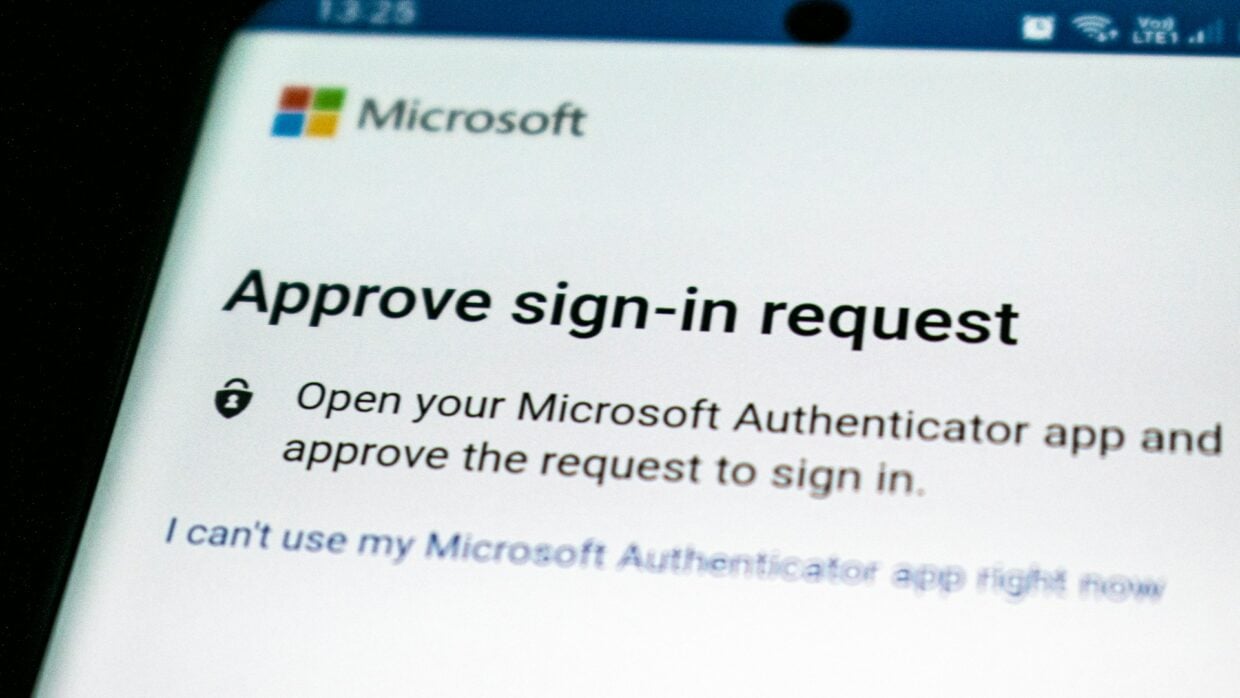
- Push approval without number matching is tier three. Its weakness is fatigue — approving a prompt you did not initiate. Never approve a prompt you did not just trigger yourself.
- SMS is tier four, and it is still better than nothing. CISA’s "any MFA is better than no MFA" is not a throwaway line. Turn it on, and treat your phone number as a credential.
- Email codes are not an option. NIST prohibits email as an out-of-band channel. If a service offers only that, it is not offering you a second factor in any meaningful sense.
Checking it actually works
- Sign out completely and sign back in. If you are not challenged, it is not on.
- Try from a second device or a private window — some services only prompt on unrecognised devices.
- Find and store the recovery codes somewhere you can reach without the account. This is the step that prevents the panicked call later.
- Review the list of enrolled methods and remove any you no longer intend to use.
- Check whether the service kept a "trusted device" that skips the prompt indefinitely, and decide whether you want that.
Where the second factor is no longer the relevant control
If someone can convince you to read them a code, no tier of MFA below FIDO/WebAuthn survives it. That is the adversary-in-the-middle problem NCSC describes, and it is a reason to be suspicious of any inbound call or message that wants a code from you, no matter who it claims to be.
It also does not help once a session is already established on a compromised device. And if credentials have already been used against you, the second factor is not the remedy — reporting is. The FTC’s fraud report site and IdentityTheft.gov are the routes, and the latter produces a recovery plan rather than just logging a complaint.
Sources: CISA — Implementing phishing-resistant MFA (fact sheet) · CISA — More than a password · NCSC UK — Traditional and FIDO2 credentials for personal use · NIST SP 800-63B-4 · FTC — IdentityTheft.gov
Reviewed 27 August 2026 by the CyberArtical editorial team against primary guidance from CISA, NIST, NCSC UK and the FTC. Security guidance changes over time; where our earlier version of this page said something different, we say so in the article rather than editing it out quietly.