
Exploring Advantages of Using VPNs with Secure Browsing in Real-World Scenarios
The Role of VPNs and Secure Browsing
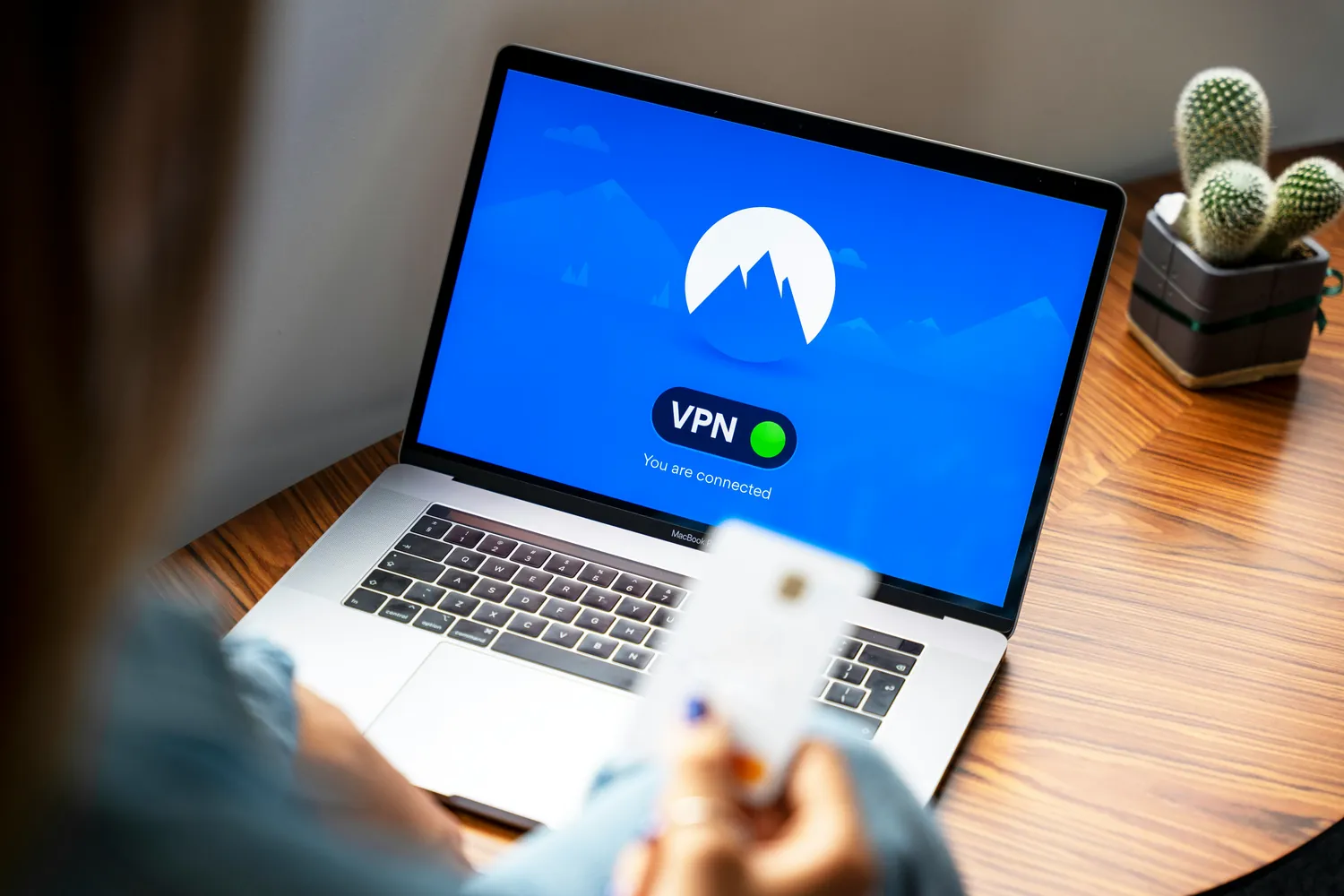
In today's digital landscape, the concepts of secure browsing and VPN (Virtual Private Network) usage are integral to personal and organizational cybersecurity strategies. While web browsers offer built-in features like HTTPS, safe browsing modes, and pop-up blockers, they often fall short of providing comprehensive privacy and security. VPNs step in to fill this gap by encrypting internet traffic, making it much harder for hackers, advertisers, or even government entities to snoop on your online activities.
To effectively protect your online presence, it's crucial to understand how these tools work together and where each excels. This article dives into real-world scenarios, highlighting how combining VPNs with secure browsing can enhance security.
Understanding Built-in Secure Browsing Features
Modern browsers like Google Chrome, Mozilla Firefox, and Microsoft Edge offer built-in security features that aim to protect users from malicious websites and phishing attempts. These features include:
- HTTPS Everywhere: Automatically encrypts data exchanged between the user’s browser and the website.
- Safe Browsing Mode: Alerts users to potentially harmful websites.
- Ad and Pop-up Blockers: Prevents unwanted ads and pop-ups which may contain malicious content.
While these features are useful, they rely heavily on up-to-date databases of malicious sites and do not offer complete anonymity. This is where VPNs come into play.
The Limitations of Secure Browsing
Secure browsing features are generally reactive. They protect against known threats but might miss zero-day vulnerabilities or new attack vectors. Additionally, while HTTPS encrypts data between you and a specific website, it doesn’t hide your activity from your ISP (Internet Service Provider) or provide privacy beyond that connection.
How VPNs Enhance Secure Browsing
VPNs provide an additional layer of security by routing your internet traffic through a server located elsewhere in the world. This masks your IP address and encrypts all data packets traveling between your device and the internet. Here's how VPNs complement secure browsing features:
- Enhanced Anonymity: By masking your IP address, VPNs prevent websites and ISPs from tracking your online movements.
- Comprehensive Encryption: VPNs encrypt all traffic leaving your device, not just specific website connections, offering broader protection than HTTPS alone.
- Bypassing Geo-Restrictions: Access content and websites unavailable in your region by simulating browsing from different locations.
Scenario: Remote Work Security
Consider a remote worker accessing sensitive company data from home or a public Wi-Fi network. Relying solely on secure browsing can leave gaps that are exploitable by cybercriminals. A VPN can prevent unauthorized access by encrypting data transfers between the remote worker's device and the company's server, ensuring confidentiality and integrity.
Practical Workflow for Combining VPNs with Secure Browsing
To effectively utilize both technologies, users should follow these steps:
- Select a Reliable VPN Service: Choose a VPN provider known for strong encryption protocols, a no-logs policy, and global server availability.
- Install and Configure the VPN Client: Follow installation guides specific to your operating system and adjust settings to automatically connect on startup.
- Enable Browser Security Features: Activate all available secure browsing features such as safe browsing mode, pop-up blockers, and ensure your browser is set to enforce HTTPS connections.
- Regularly Update Software: Keep both your VPN client and browser updated to protect against new vulnerabilities.
Scenario: Travelers Protecting Data Abroad
For frequent travelers who connect to various public Wi-Fi networks at airports or hotels, maintaining secure browsing habits is essential. Even if a traveler uses HTTPS websites exclusively, their ISP or network provider can log activity without a VPN. Utilizing a VPN masks this activity completely, safeguarding against potential breaches by malicious actors within the network.
Considerations When Using VPNs
Despite their advantages, using VPNs is not without drawbacks. Users should be aware of potential issues such as reduced connection speeds due to encryption overhead or server location choices. Some websites may also block traffic from known VPN servers, which can restrict access to certain services or content.
Troubleshooting Common Issues
- If you experience slow internet speeds while connected to a VPN, try switching to a server closer to your physical location.
- If a website blocks access due to VPN usage, try connecting through different servers or consider split tunneling options offered by some VPN providers.
Final Thoughts on Integrated Secure Browsing Strategies
The integration of VPNs with built-in secure browsing features provides robust defense mechanisms against an array of cyber threats. For most users, combining these tools enhances online privacy and security beyond what either could achieve alone. However, choosing the right combination tailored to individual needs—considering factors such as speed requirements, level of privacy desired, and specific use-cases—is crucial for maximizing effectiveness.





