
Steps to strengthen your online security with simple habits
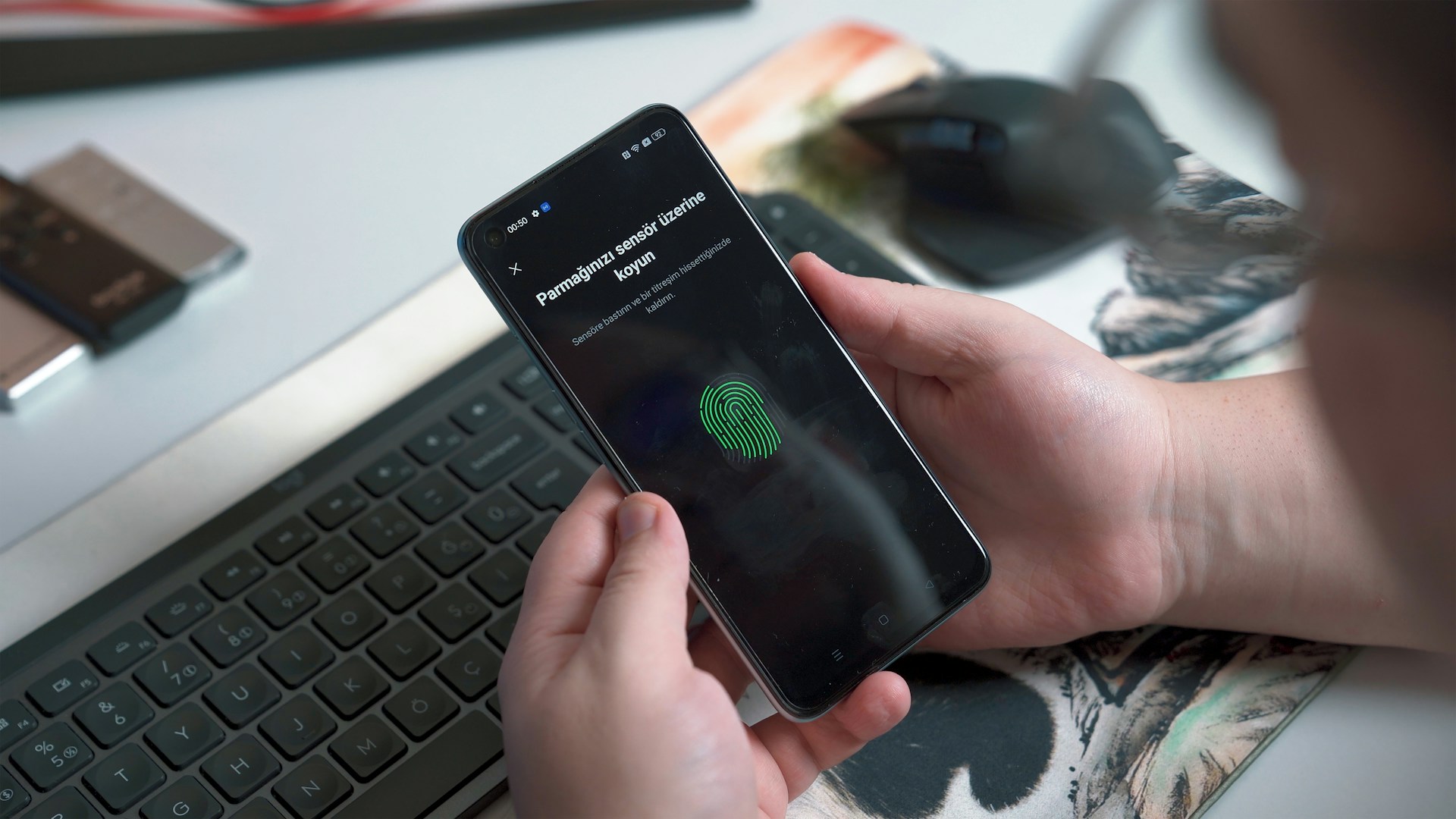
Embrace Regular Password Updates
One of the simplest yet often overlooked steps in strengthening online security is regularly updating your passwords. While it may seem tedious, this practice can significantly reduce the risk of unauthorized access to your accounts.
Why Frequent Changes Matter
Regularly updating your passwords helps protect against breaches where old credentials are exposed. Cybercriminals often exploit older password databases, hoping users haven't changed their credentials. By updating your passwords every three to six months, you limit the window of opportunity for these attacks.
Creating Strong, Unique Passwords
A strong password should ideally be at least 12 characters long and include a mix of uppercase and lowercase letters, numbers, and special symbols. Avoid using easily guessable information such as birthdays or common words.
- Use a Passphrase: Consider using a passphrase—a sequence of random words or a meaningful sentence. For example, "BlueDuck!90starsRun" combines words and numbers in a memorable way.
- Password Managers: Employ password managers like LastPass or Bitwarden. They not only generate complex passwords but also store them securely.
Adjust Privacy Settings on Social Media
Social media platforms are treasure troves of personal information. Fine-tuning your privacy settings can prevent unwanted exposure of your data.
Assess and Configure Your Privacy Settings
Most platforms offer detailed settings for who can view your content, tag you, or find you via search engines. It's essential to regularly review these settings as platforms frequently update their privacy policies and controls.
- Facebook: Navigate to 'Settings & Privacy' and then 'Privacy Checkup'. This tool guides you through options for who sees what on your profile.
- Instagram: Under 'Settings', choose 'Privacy'. Consider setting your account to private so only approved followers can see your content.
- Twitter: In 'Privacy and Safety', you can protect your tweets, meaning only your followers can see them.
Enable Two-Factor Authentication (2FA)
Two-Factor Authentication adds an additional layer of security by requiring a second form of verification before access is granted.
The Mechanics of 2FA
This extra step usually involves receiving a code via SMS or an authentication app like Google Authenticator. Even if someone manages to steal your password, they would need this second factor to access your account.
Setting Up 2FA
Enabling 2FA varies slightly across platforms, but generally follows similar steps:
- Log into the platform and go to 'Account Settings'.
- Select 'Security' or 'Login Verification'.
- Choose 'Enable Two-Factor Authentication' and follow the setup instructions.
This process typically involves entering a phone number or scanning a QR code using an authenticator app.
Stay Informed About Phishing Scams
Phishing scams are designed to trick you into revealing personal information, such as passwords and credit card numbers. Staying informed is key to avoiding these threats.
Recognizing Phishing Attempts
Common signs include:
- A sense of urgency (e.g., "Your account will be closed!").
- Unfamiliar senders or suspicious email addresses.
- Links that don't match official URLs when hovered over.
Always verify the source before clicking any links or providing information.
Using Email Filters
Email services like Gmail have built-in filters that automatically categorize suspected phishing emails into spam folders. Ensure these filters are active and report any suspicious emails to help improve their accuracy.
Keep Software Up-To-Date
Software updates often include patches for security vulnerabilities. Ensuring all your software is up-to-date protects against known exploits.
Automating Updates
Whenever possible, enable automatic updates. This feature ensures that patches are applied as soon as they become available, minimizing the window of exposure to threats.
Prioritizing Critical Software
- Operating Systems: Make sure your OS updates automatically to receive crucial security patches regularly.
- Browsers: Keep browsers updated to protect against web-based attacks.
If you use third-party plugins or extensions, regularly check for updates or consider uninstalling unused ones that may become security liabilities.





