
A Guide to Strengthening Your Digital Privacy Across Various Accounts
Why Online Privacy Matters More Than Ever
In today's digital age, protecting your online privacy is crucial. With increasing instances of data breaches, unauthorized data access, and identity theft, safeguarding your personal information across various online platforms is not just recommended but necessary. This guide will provide you with actionable steps to adjust privacy settings on popular social media platforms, allowing you to secure your digital life effectively.
Setting Up Strong Privacy Measures on Facebook
Reviewing Privacy Settings
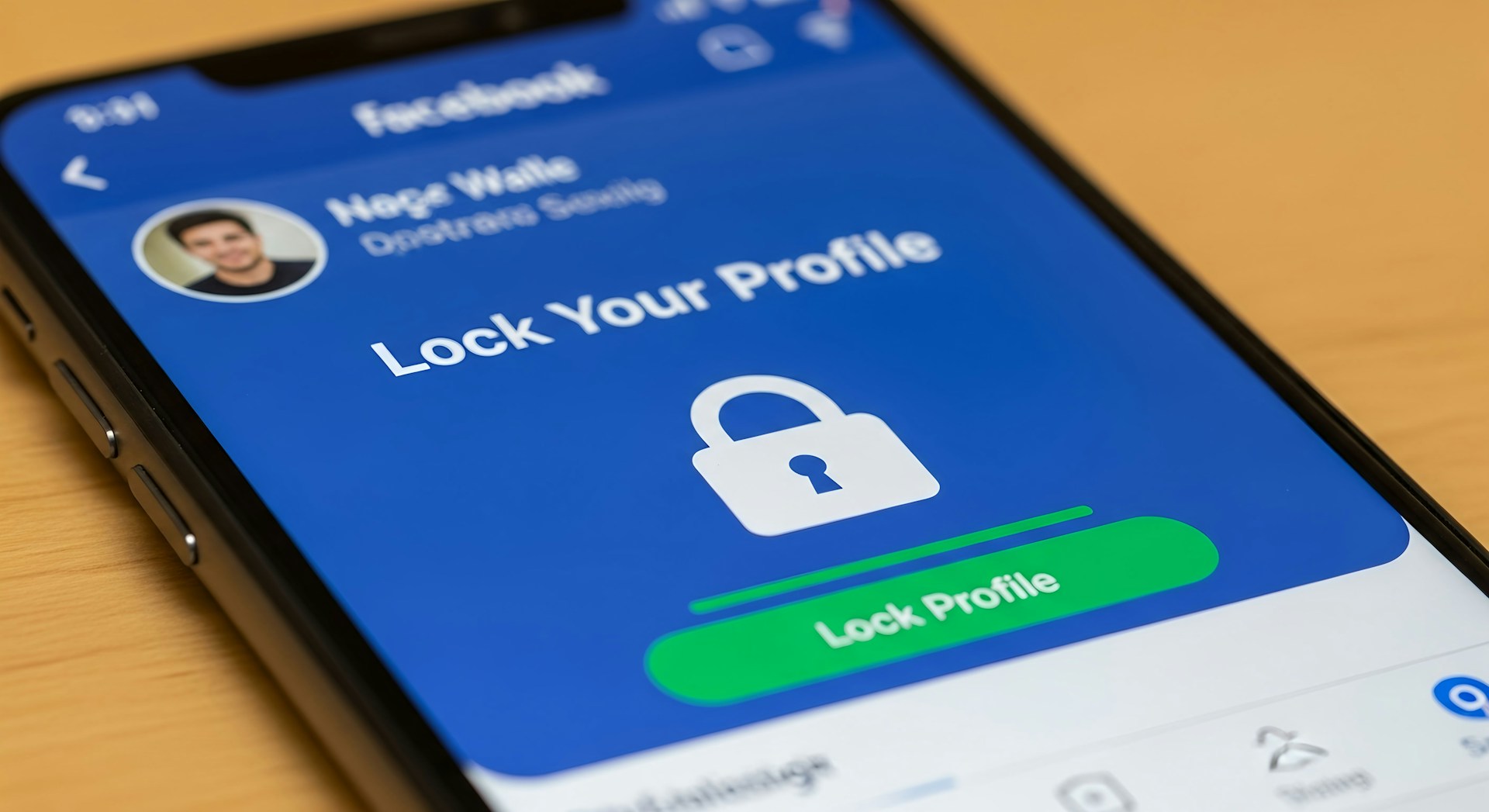
Facebook is a common platform where personal data can be vulnerable. Begin by navigating to the 'Settings & Privacy' section from the dropdown menu in the top-right corner. Click on 'Privacy Shortcuts' for a quick overview, or go to 'Settings' and then 'Privacy' for detailed options.
- Limit Past Posts: You can choose to limit who can see your past posts. Set this option to 'Friends' or customize it further based on your preferences.
- Who Can See Your Friends List: Control who can see your friends list by setting it to 'Only Me' or restricting it to certain friends.
Managing Profile Information Visibility
Adjust the visibility of your profile information such as birthday, relationship status, and other personal details. Set these to 'Only Me' or restrict them to close friends.
Enhancing Privacy on Twitter
Protecting Your Tweets
To enhance privacy on Twitter, consider making your tweets private. In 'Settings and privacy', navigate to 'Privacy and safety'. Here, you can enable the 'Protect your Tweets' option so only approved followers can see your posts.
Disable Location Information
It's also wise to disable location information associated with your tweets. Under the same 'Privacy and safety' tab, uncheck 'Add location information to my Tweets'. This prevents sharing of your physical whereabouts unintentionally.
Securing Your Instagram Account
Switching to a Private Account
Instagram allows users to control who sees their content by switching to a private account. Go to your profile, tap the menu icon, then navigate to 'Settings'. Select 'Privacy', then toggle on the 'Private Account' option.
Controlling Story Visibility
Instagram Stories offer additional privacy settings. Choose who can view your stories by selecting 'Story Settings' under the 'Privacy' menu. You can hide your story from specific people and control who can reply to them.
Strengthening LinkedIn Privacy
Profile Visibility Adjustments
LinkedIn offers various settings to protect your professional information. Go to 'Settings & Privacy', and then 'Visibility'. Here, you can manage who can see your email address, phone number, and connections list.
- Email Address: Opt to let only first-degree connections or no one see your email address.
- Profile Viewing Options: Consider setting this to 'Private mode' if you prefer anonymity when viewing other profiles.
Adjusting Data Sharing Preferences
Under the 'Data privacy' section, control how LinkedIn uses your data for advertising purposes. Disable data sharing with third-party applications for added security.
Tightening Security on Snapchat
Customizing Who Can Contact You
Snapchat has specific privacy controls that can be configured easily. Under 'Settings', find the 'Who Can...' section. Limit who can contact you, view your story, and see your location.
- Contact Me: Change this setting from 'Everyone' to 'My Friends'.
- See My Location: Enable 'Ghost Mode' or customize who can view your location updates.
Utilizing Two-Factor Authentication
Add an extra layer of security by enabling two-factor authentication (2FA). This ensures that even if someone guesses your password, they cannot access your account without a verification code sent to your phone.
General Tips for All Platforms
- Password Management: Use strong, unique passwords for each account. Consider using a password manager for convenience and security.
- Regular Updates: Always update apps and operating systems promptly to protect against vulnerabilities.
Tackling digital privacy is an ongoing process that requires vigilance and proactivity. By taking these steps to secure your accounts across various platforms, you significantly reduce the risk of unauthorized access and protect your personal information more effectively.





